
This documentation applies to the latest version of Flashnote Derby (version 4).
Android users and other users of earlier versions of Flashnote Derby should
look here for help.
Help Center
Tournaments! Getting started…
Need more help?
If this article doesn’t solve your problem, you can contact support by email.
Contact Support
Tournaments are a fun, motivational way you to help your students build note-naming speed with a little friendly competition.
How it works
- Select the notes you wish to include and save them as a preset drill
- Create users on your device for all participants
- Create the tournament and invite students to participate
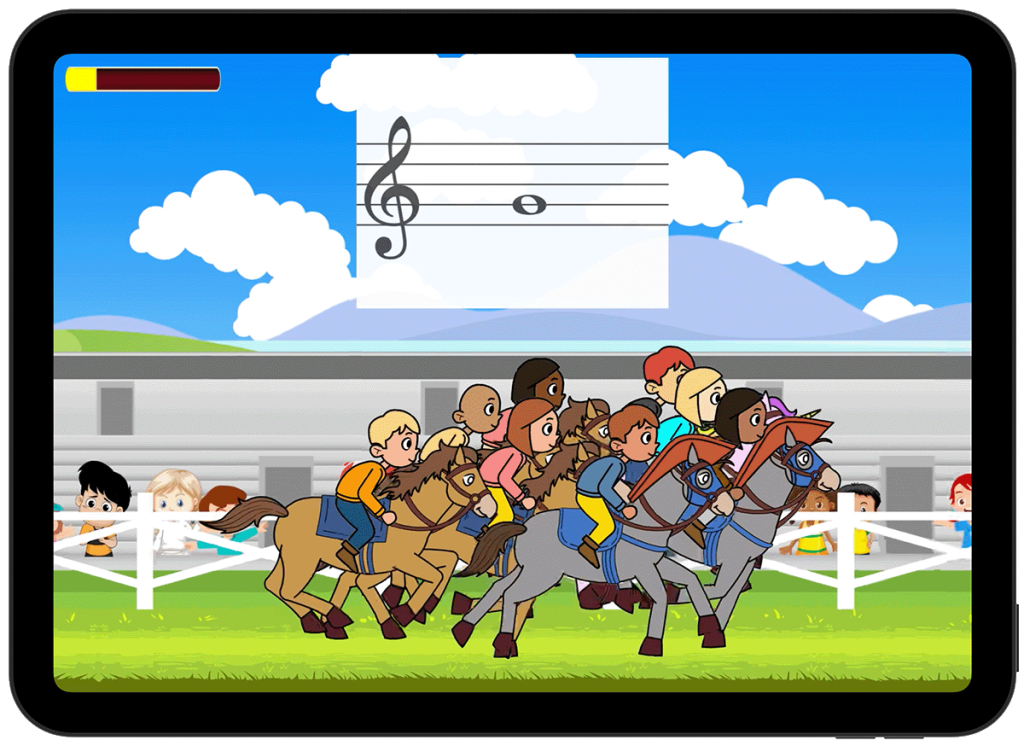
What students see
- Each student is represented by a horse in the race.
- Student’s aren’t racing against each other at the same moment, but against each other’s fastest time.
- A horse’s position in the pack reflects that students’ fastest time compared to the others.
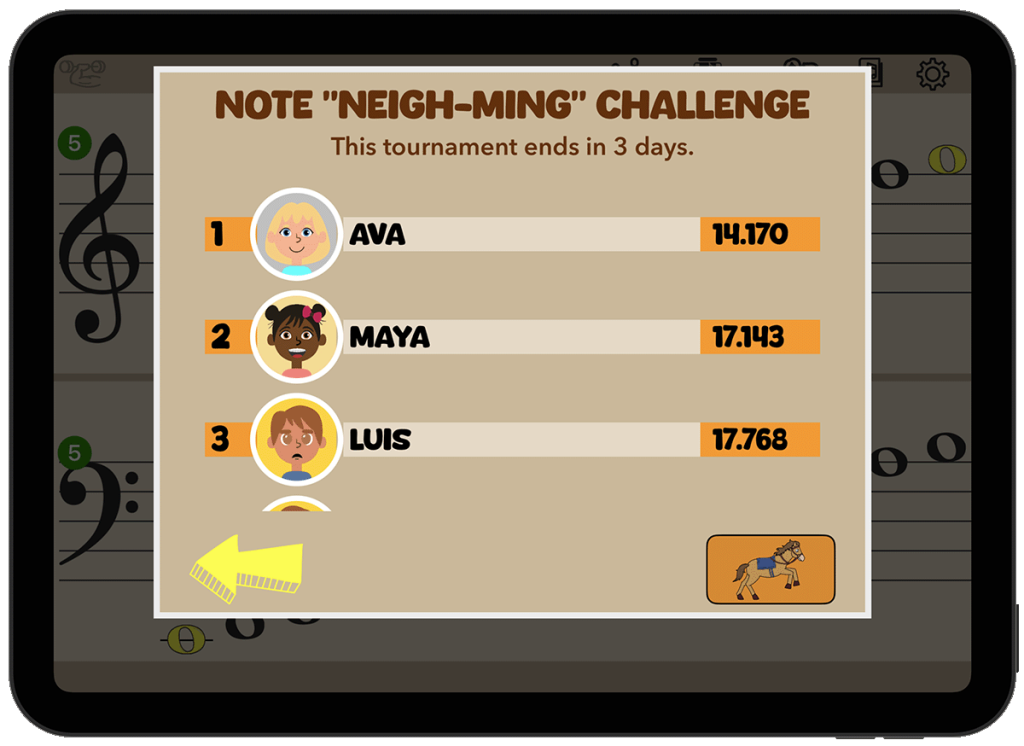
Timing and leaderboard
- You decide when the tournament starts and ends
- Students can race as many times as they want before it ends, always trying to beat their best time.
- The leaderboard rankings continually update so students can see where they stand.
Tournaments are a surefire way to boost practice motivation—and create confident, quick note-readers.
Ready to set up your first tournament?
More detailed instructions here.
Let Luke walk you thru
I’ll walk you through setting up your first tournament- choosing notes, inviting students, and setting the available options.