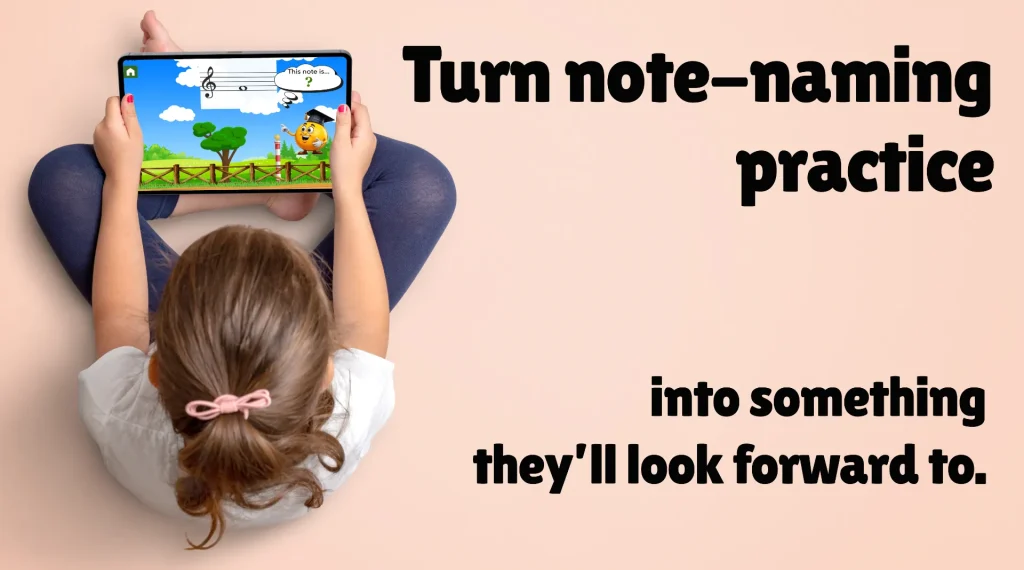
Flashnote Derby is a note-reading app designed for music students of all instruments.
Used by teachers and studios since 2011, Flashnote Derby combines pressure-free practice, fast-paced races, and studio tournaments to help students build strong reading skills- in lessons and at home.

Why teachers use Flashnote Derby?
- Builds fast recognition
Students become more confident and lessons are more enjoyable - Flexible settings for different levels
Works for beginners through intermediate students (and sometimes advanced students too 😉)
- Encourages review at home
Send home assignments that automatically setup student devices with the proper notes - Motivational!
Gamification lends itself to studio wide challenges and tournaments
What teachers can do
with Flashnote Derby
Use in lessons
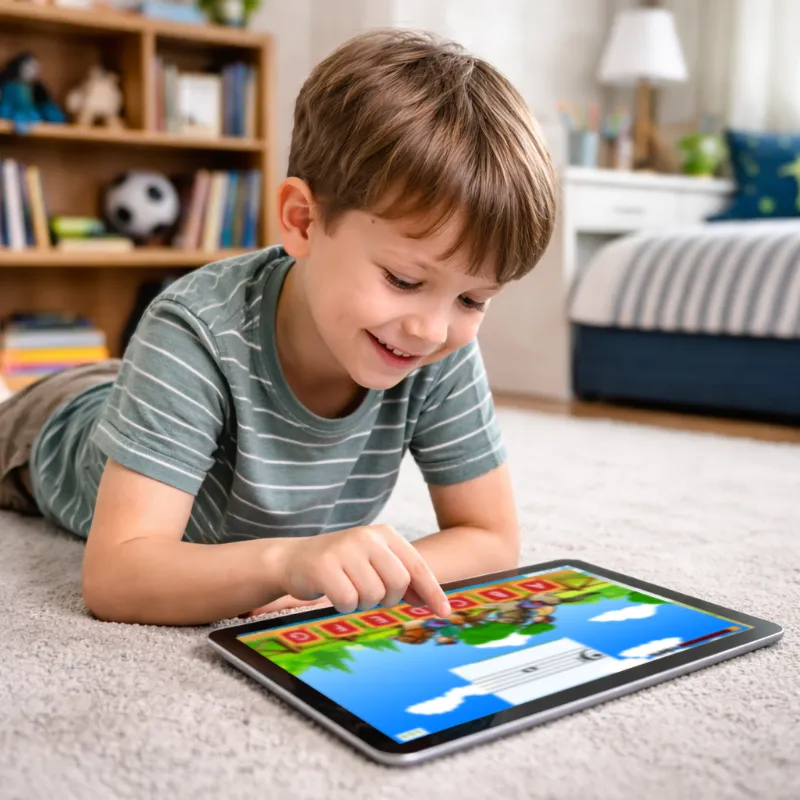
It’s more fun than flashcards, but also something a student can do on their own while waiting.
Customize for each student
Each child can receive level appropriate practice decided by you. Encouragement keeps them progressing at their own pace.
Send note drills home
Create custom note drills taken from a particular piece. Send the drill home to the student’s device so they can continue reviewing during the week.
Track student progress
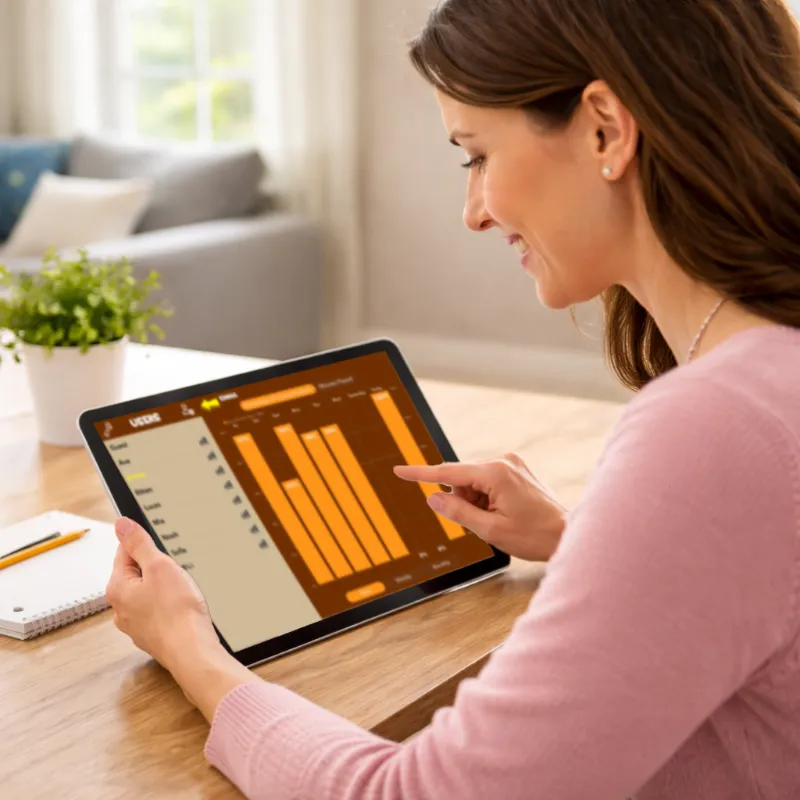
At a glance, see where students are struggling and where they are succeeding. Focus their attention on what needs it.
Offer it as a reward
The promise of a little game time can help students get through the tough spots.
Motivate with tournaments
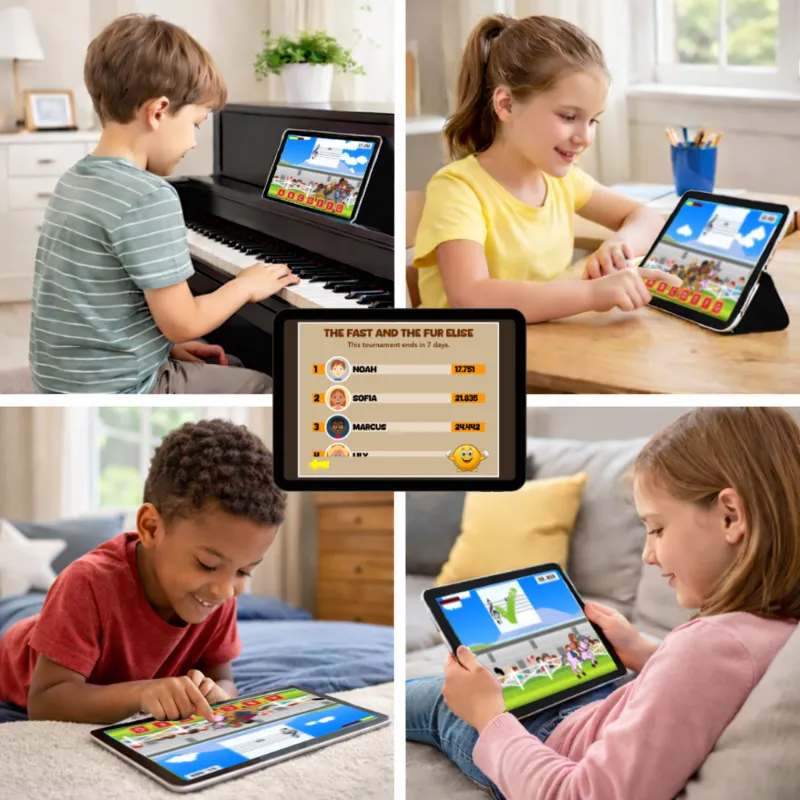
A little friendly competition can do wonders for motivation. Organize a tournament and invite everyone in your studio.
How it works in your studio.

…for an individual student. Choose new notes from current pieces, tricky clefs, notes above or below the staff- you have complete control. Make it challenging or something designed to build confidence.
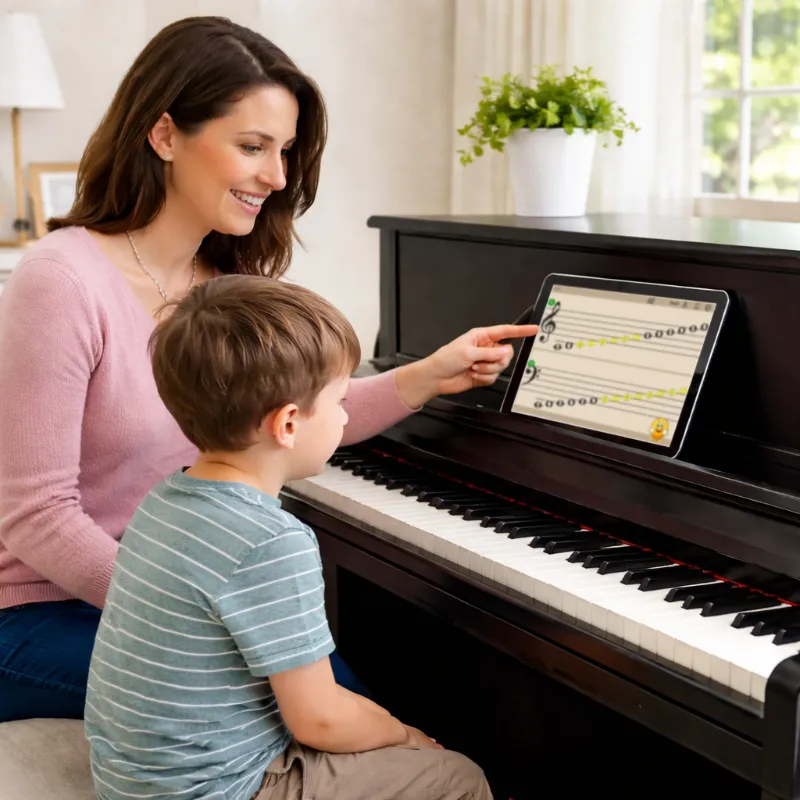
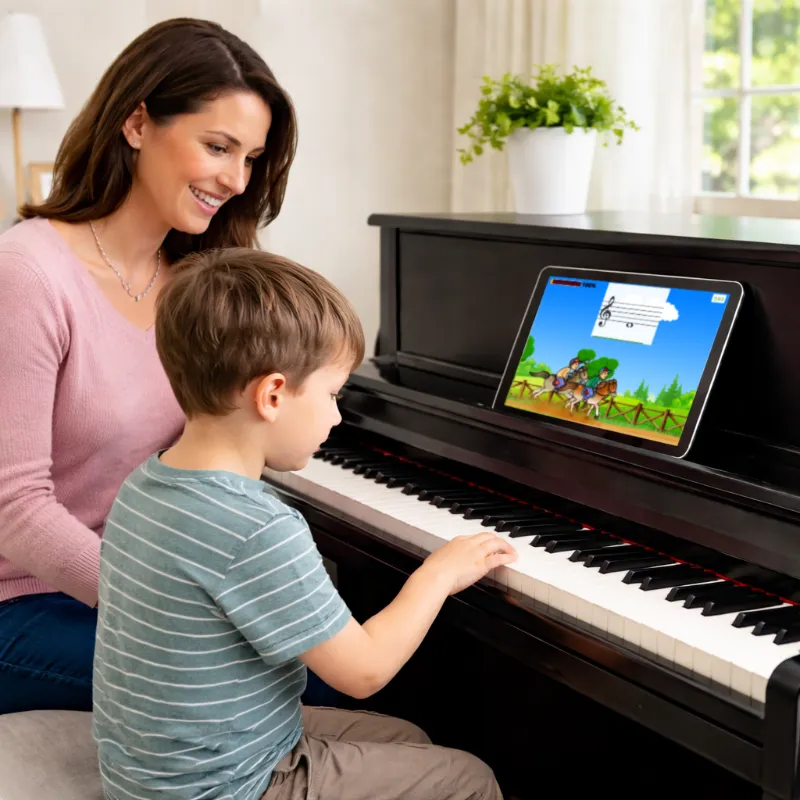


Send note drills home to students
- Choose which notes to drill
- Assign to one or more students
- Students receive an email letting them know they have a new drill to practice
- When they open Flashnote Derby, the drill is set up and ready to go


Track student progress
The results of each drill are saved automatically.
At any time you can see:
- Overall percentage of correct answers
- Amount of time spent drilling
- Specific information regarding individual notes
And if you connect with a student’s device, you can include their at-home practicing in all of the reports.
Host a tournament!
Friendly competition, real motivation.
Create a note-naming tournament and invite your students to join.
It’s a simple way to build excitement and create a sense of community in your studio.
Practice mode
No timer. No pressure.
In practice mode, students can take as much time as they need to answer each note. They still receive gentle feedback and encouragement, but without the pressure of competing.
They’re racing no one but themselves.
Quick to setup
Flexible and easy to configure
Quickly set up the length of races, method of answering, clefs, key signatures, and more. Adapt quickly to the needs of various students during a busy teaching day.
Frequently Asked Questions
You choose exactly which notes the student practices, so Flashnote Derby works for beginners through intermediate students — and even advanced students who need to review note reading.
No. A one-time purchase unlocks the full app, including future updates.
Creating a teacher account and using features like assignments, progress tracking, and tournaments is completely free.
Not necessarily. Flashnote Derby can be used on the teacher’s device during lessons only, just like traditional flashcard drills.
Students make the most progress when they can review during the week on their own device, so having their own copy of the app is strongly recommended.
Yes. There is an Android version available with the core features of Flashnote Derby.
Practice mode, tournaments, and teacher progress tracking will be coming to Android in a future update.
Yes. You can manage multiple students, tracking their progress individually.
Students do not create accounts, but you can choose to connect with their home devices. This allows you to send assignments, and track their progress at home.
No. The app works without an account, but creating a free teacher account allows you to send assignments to your students, see their home progress, and setup tournaments.
Ready to build faster, more confident note readers?
Students who can read notes easily will enjoy their music studies more and are more likely to stick with it. Just a few minutes a day of Flashnote Derby can make all the difference.